


Knowing how to set up a hardware wallet is one of the most important skills for any crypto owner. A hardware wallet stores your private keys offline, far away from hackers and malware. This guide walks you through each step in plain language, so you can protect your funds with confidence.
Why a Hardware Wallet Matters
Exchanges and mobile apps keep your keys online. Therefore, they remain a target for attackers. A hardware wallet works differently, because it signs transactions inside a small, secure device.
Your private keys never touch the internet. As a result, even an infected computer cannot steal them. For example, a hacker may control your laptop, yet the device still demands your physical approval for every transfer.
What You Need Before You Begin
Preparation makes the process smoother and safer. Gather the following items before you start:
- A new, sealed hardware wallet from the official manufacturer
- A computer or smartphone with a stable internet connection
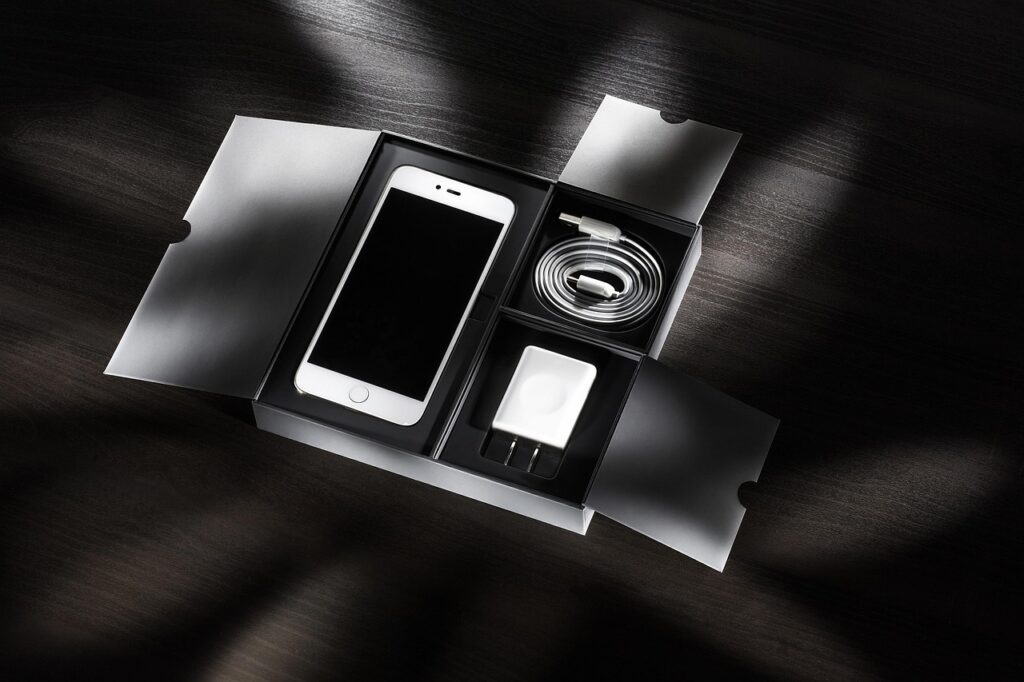
- The USB cable that came in the box
- A pen and the recovery card provided with the device
- A quiet, private place where nobody can watch you
Buy your device directly from the manufacturer or an authorized reseller. Used or discounted wallets from unknown sellers may be tampered with.
How to Set Up a Hardware Wallet Step by Step
Step 1: Inspect the Packaging
Check the box for broken seals or signs of tampering. Furthermore, confirm that the device arrives empty and uninitialized. If anything looks suspicious, contact the manufacturer and do not use the wallet.
Step 2: Install the Official Software
Visit the manufacturer’s official website by typing the address yourself. Avoid links from ads or emails, since scammers often copy these sites. Next, download the companion app and install it on your computer or phone.
Step 3: Initialize the Device
Connect the wallet with the supplied cable. The screen will guide you through the first launch. Choose the option to create a new wallet, and never restore one that someone else gave you.
Step 4: Choose a Strong PIN
The device will ask you to pick a PIN. Select a number that is long and hard to guess. Avoid birthdays, repeated digits, and simple sequences. After several wrong attempts, most wallets wipe themselves, which protects you if the device is stolen.
Back Up Your Recovery Phrase
Next, the wallet will display a recovery phrase of 12 or 24 words. This phrase is the master key to all your funds. Anyone who holds it can take your crypto, so treat it with great care.
Write each word on the recovery card in the correct order. Then verify the words when the device asks you to confirm them. Keep in mind these essential rules:
- Never photograph the phrase or store it on a computer
- Never type it into a website, app, or chat
- Never share it with support staff, because real support will not ask for it
- Store the card in a fireproof, waterproof, and hidden location
For extra safety, consider keeping a second copy in a different secure place. Consequently, a fire or flood at home will not destroy your only backup.
Send a Small Test Transaction
Once setup is complete, add your first account in the companion app. Copy your receiving address and always verify it on the device screen. This check ensures that malware has not swapped the address.
Then send a small test amount before moving larger funds. After it arrives, you can transfer the rest with greater peace of mind. Finally, try restoring the test wallet from your recovery phrase if you want to confirm that the backup works.
Keep Your Wallet Secure Over Time
Security does not end after the first day. Update the firmware only through the official app, and ignore unexpected update prompts from other sources. Likewise, be cautious of phishing emails that pretend to come from your wallet brand.
Store the device in a safe place when you are not using it. On the other hand, never leave your recovery card next to the wallet itself.
Frequently Asked Questions
Can I use a hardware wallet without a computer?
Yes, many models connect to a smartphone through USB or Bluetooth. Check that your chosen device supports your phone before buying.
What happens if I lose my hardware wallet?
Your funds remain safe on the blockchain. Simply buy a new device and restore your wallet using your recovery phrase.
What if I lose my recovery phrase?
As long as your device still works, you can move your funds to a new wallet right away. If you lose both the device and the phrase, the funds cannot be recovered.
Is a hardware wallet really worth the cost?
For anyone holding meaningful amounts of crypto, yes. The price is small compared to the risk of losing your savings to a hack.
Final Thoughts
Learning how to set up a hardware wallet takes only a short time, yet it gives you lasting protection. Buy from a trusted source, create a strong PIN, and guard your recovery phrase carefully. Take your time with each step, and your crypto will stay firmly under your own control.
 100Ethereums - Your Guide to Ethereum, Crypto & Blockchain